
Knowledge Base vs. Documentation: What’s the Difference?
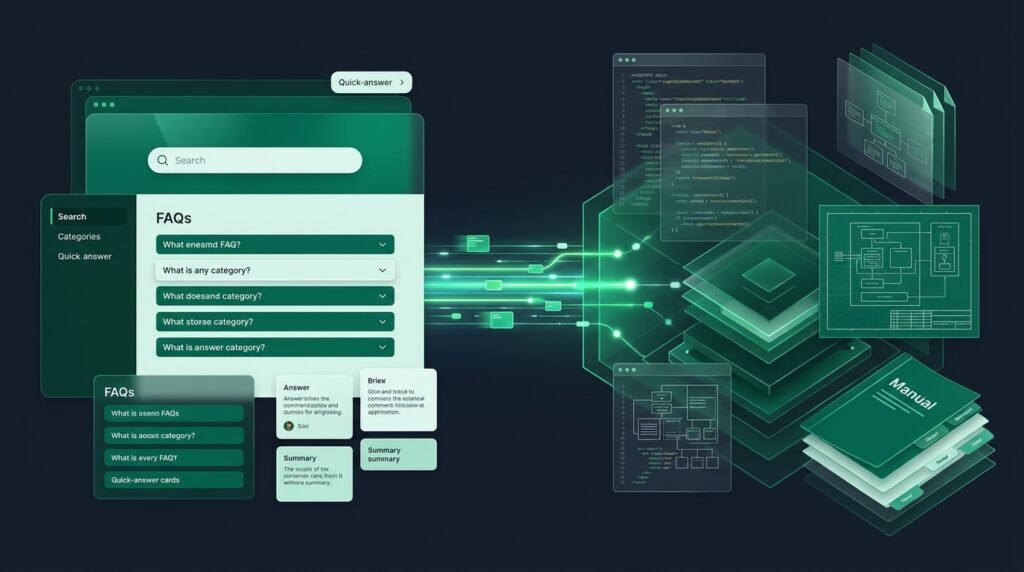
In business software and operations, the terms Knowledge Base and Documentation are often used interchangeably. However, treating them as identical concepts frequently leads to disjointed information architecture, frustrated employees, and confused customers.
While both systems store information, they serve fundamentally different purposes, target distinct audiences, and require different technical architectures. In this guide, we explore the core differences, examine a detailed comparison matrix, and explain how modern organizations unify both into a cohesive operational ecosystem.
Table of Contents
- 1. Core Definitions
- 2. Head-to-Head Comparison Matrix
- 3. 5 Fundamental Architectural Differences
- 4. When to Use a Knowledge Base vs Documentation
- 5. Building a Unified Knowledge Ecosystem
- 6. Developer Experience (DX) vs Employee Experience (EX)
- 7. Architecture Blueprint: Structuring Both
- 8. Frequently Asked Questions
1. Core Definitions
What Is Traditional Documentation?
Documentation refers to comprehensive, technical, and descriptive records detailing how a system, piece of software, or hardware functions. Examples include API reference manuals, codebase architecture specifications, database schemas, and engineering design documents. It is typically linear, in-depth, and aimed at technical practitioners.
What Is a Knowledge Base?
A Knowledge Base is an interactive, searchable self-service hub engineered for rapid problem resolution. It translates complex technical and operational facts into bite-sized guides, FAQs, standard operating procedures, and troubleshooting steps for everyday team members and customers.

2. Head-to-Head Comparison Matrix
| Feature | Knowledge Base (SaaS Hub) | Traditional Documentation |
|---|---|---|
| Primary Goal | Instant problem resolution & self-service | Comprehensive system & architectural explanation |
| Primary Audience | Employees, non-technical staff, end customers | Engineers, architects, specialized operators |
| Search Engine | Semantic instant search with auto-suggest | Exact-match table of contents or file search |
| Interactivity | Interactive checkable SOPs, ratings, feedback | Static reading or reference code blocks |
| Governance | Audit alerts, query logs, deflection stats | Git commit history and pull requests |
3. 5 Fundamental Architectural Differences
- Intent & Information Consumption: A user consults documentation to understand how a whole system works. A user consults a knowledge base to find how to fix a specific error right now.
- Formatting & Chunking: Documentation is organized into comprehensive chapters. Knowledge bases rely on modular, scannable articles with high keyword density and FAQ schema.
- Access Control: Modern knowledge bases support dual-portal configurations (authenticated internal wiki vs. open public customer center), whereas technical docs are often hosted in code repos.
- Search Analytics: Knowledge base platforms track failed search queries to identify content gaps, providing operational insights that static docs cannot.
- Feedback Loops: Knowledge base readers can mark articles as helpful or submit revision suggestions in one click.

4. When to Use a Knowledge Base vs Documentation
Use Technical Documentation when recording:
- REST API endpoint specifications and webhook payload formats.
- Database relational entity diagrams and migrations.
- Source code architecture, class inheritance, and libraries.
Use a Knowledge Base when managing:
- Standard Operating Procedures (SOPs) with sign-off workflows.
- Company policies, HR handbooks, and employee onboarding roadmaps.
- Customer support FAQs and troubleshooting playbooks.
- Cross-departmental collaboration assets and tool guides.
5. Building a Unified Knowledge Ecosystem
High-performing organizations do not treat this as an either/or choice. Instead, they link their technical documentation with their operational knowledge base.
For example, an API endpoint specification in your developer docs can link directly to an operational SOP in your Life With a Mission workspace detailing how to rotate client webhook keys in production.
6. Developer Experience (DX) vs. Employee Experience (EX)
A frequent mistake in tech organizations is forcing non-technical staff to navigate developer-centric tools like GitHub wikis or Markdown repositories. While software engineers prefer Git-backed documentation, marketing, sales, customer support, and HR teams require an intuitive visual interface with rich media, instant search, and collaborative permissions.
A purpose-built SaaS knowledge base bridges this divide by providing a sleek, modern visual editor for business teams while offering code block formatting and webhook integrations for technical staff.
7. Architecture Blueprint: Structuring Both
Consider how a rapidly growing B2B SaaS business organizes its documentation architecture:
- GitHub / Readme: Houses API schemas, SDK libraries, and open-source developer documentation.
- Internal Knowledge Base (Life With a Mission): Houses employee onboarding, multi-tier customer escalation SOPs, sales playbooks, infrastructure security procedures, and company policies.
- Public Help Center: Hosts customer-facing tutorials, onboarding FAQs, billing guides, and self-service troubleshooting.
8. Frequently Asked Questions
Can a knowledge base replace our software documentation?
Not entirely. While your knowledge base can host user guides and tutorials, low-level technical code comments and API references are often best maintained alongside your codebase.
Which one should a startup build first?
Start with a centralized knowledge base to document your core business workflows, hiring onboarding, and customer FAQs. As technical complexity expands, add specialized developer docs.